💻 tech
Beyond Speed & Size: 3 RAM Specs You Can't Ignore
Thought RAM was just about speed and capacity? Think again. We uncover the crucial specs you're probably overlooking for real performance.
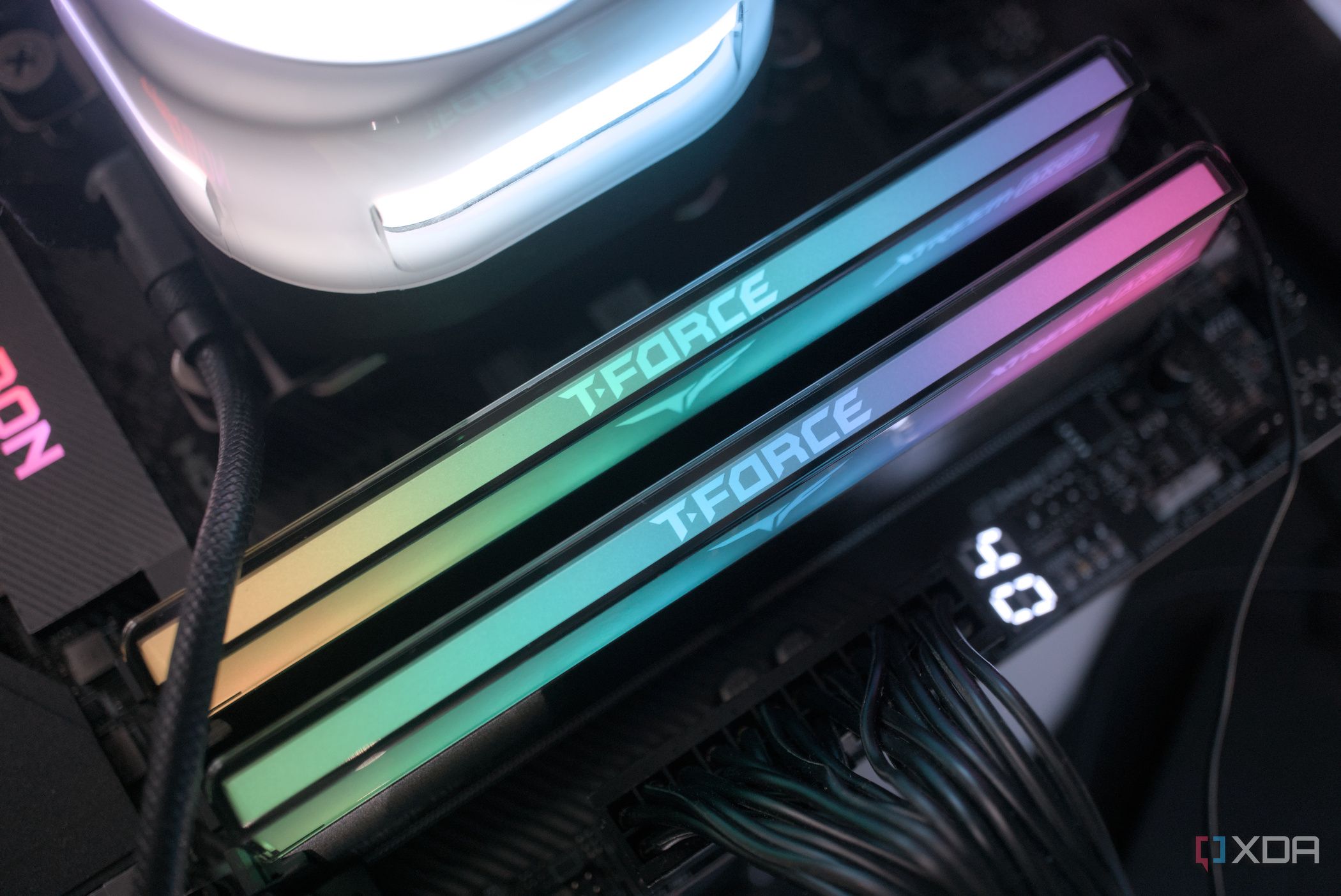
What’s Happening For years, many of us, myself included, made a cardinal sin when buying RAM: we only ever looked at two numbers – speed (MHz) and capacity (GB). This narrow focus often led to overlooked performance bottlenecks, leaving potential system power untapped. The truth is, modern computing demands a deeper understanding of memory specifications. Simply chasing the highest MHz or largest GB count can be a costly mistake, especially if you’re building a high-performance gaming rig or a workstation for demanding tasks. ## Why This Matters One of the most critical, yet frequently ignored, specifications is CAS Latency (CL). This number, often seen as part of a timing sequence like 16-18-18-38, dictates the delay in clock cycles between when the memory controller requests data and when it’s actually available. A lower CL generally means faster real-world response times. Consider this: a 3200MHz CL14 RAM kit might actually deliver data faster than a 3600MHz CL18 kit in latency-sensitive applications like gaming or database operations. The effective latency calculation (CL divided by MHz, then multiplied by 2000) reveals the true speed, measured in nanoseconds. Another key factor is memory rank, often designated as ‘single-rank’ (1R) or ‘dual-rank’ (2R). This refers to how data is stored and accessed on the physical memory module itself. Dual-rank memory effectively presents two independent 64-bit data paths to the CPU, allowing for more efficient data handling. This distinction is particularly important for AMD Ryzen processors, where dual-rank memory configurations have been shown to offer a noticeable performance uplift, sometimes up to 10-15% in certain benchmarks. It helps keep the CPU’s memory controller saturated with data, reducing idle cycles. Finally, many users forget about enabling or optimizing their memory’s XMP (Extreme Memory Profile) or DOCP (Direct Overclock Profile) settings in the BIOS. These pre-configured profiles are absolutely essential for running your RAM at its advertised, higher speeds, rather than slower default JEDEC standards. Without XMP/DOCP enabled, your expensive 3600MHz RAM might be running at a much slower base speed, perhaps 2133MHz or 2400MHz. This means you’re leaving a significant chunk of performance on the table, essentially paying for speed you aren’t using. Here’s why these details aren’t just for enthusiasts: - Real-world Performance: Lower CAS Latency directly translates to snappier system responsiveness, faster game load times, and smoother multitasking. Every nanosecond counts when applications are constantly accessing memory.
- CPU Optimization: Dual-rank memory can significantly improve CPU utilization, especially with modern multi-core processors, by providing a wider data pipeline. This is crucial for tasks like video rendering and scientific simulations.
- Value for Money: Ensuring XMP/DOCP is active guarantees you’re getting the performance you paid for. It’s a simple BIOS setting that unlocks your RAM’s full potential, preventing your high-speed modules from underperforming.
- Stability and Compatibility: Understanding these specs also helps in choosing compatible modules for your motherboard and CPU, preventing frustrating boot issues or system instability down the line. ## The Bottom Line Ultimately, building or upgrading a PC requires looking beyond the headline numbers of speed and capacity. Paying attention to details like CAS Latency, memory rank, and ensuring XMP is enabled can unlock a surprising amount of hidden performance from your system. Are you truly getting the most out of your RAM, or are you leaving significant power on the table?
Daily briefing
Get the next useful briefing
If this story was worth your time, the next one should be too. Get the daily briefing in one clean email.
Reader reaction